MEPCO new connection guide
Documents, application steps, and status checks in one place
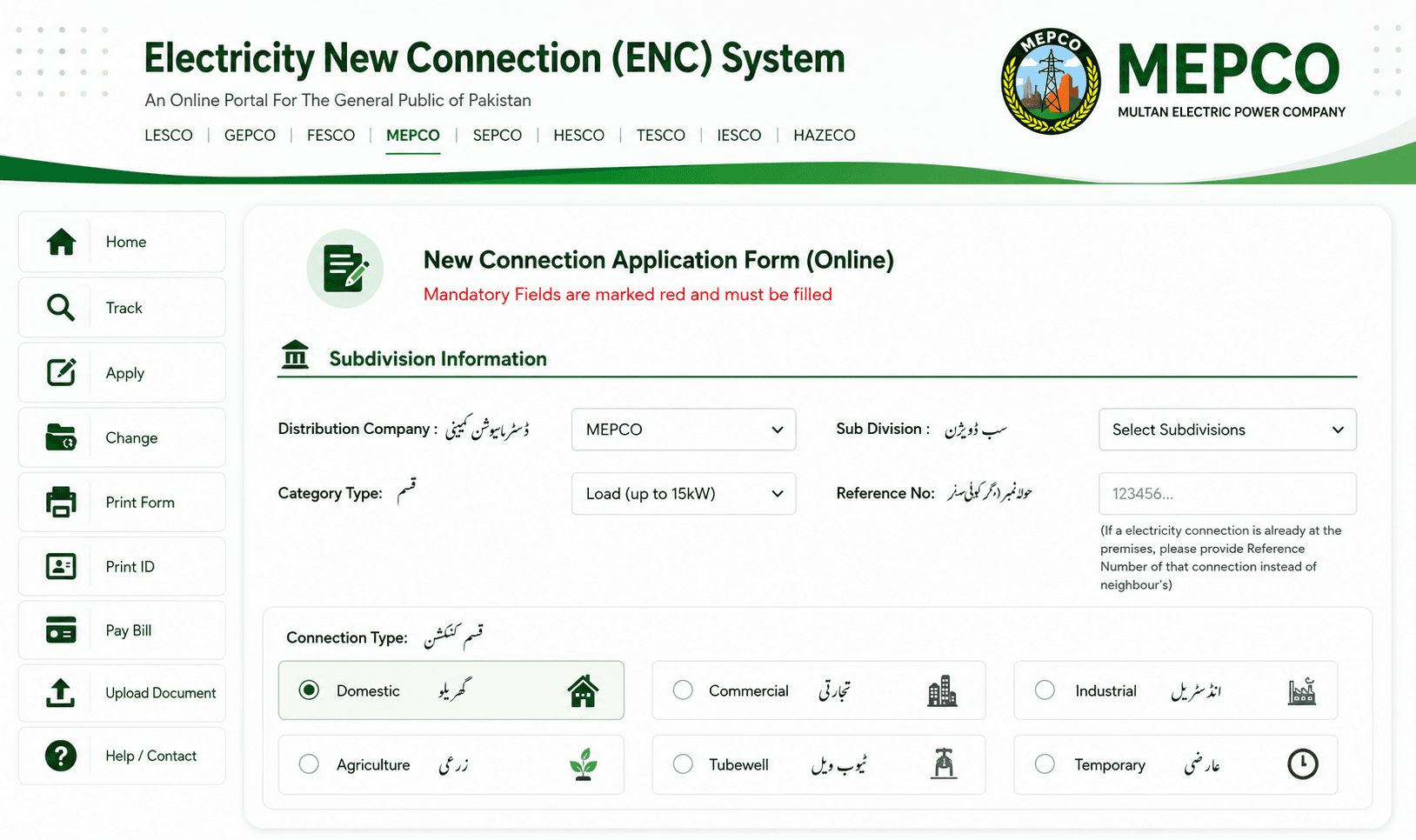
Usual new connection steps
Prepare documents
Keep CNIC copies, ownership or tenancy papers, and the proposed meter location ready
Use official channels
Apply through the official ENC route or the MEPCO office serving your area
Submit the application
Complete the form, attach documents, and keep the application or receipt number
Inspection and demand notice
Wait for site checking, then pay the demand notice only through an approved channel
Keep the first bill
Your first bill should show the reference number needed for future online bill lookup
Required Documents
- CNIC (Original + photocopy)
- Property documents or lease
- Meter location details
- Owner identification
- Installation fee
Processing Time
Processing time is not the same for every case. Area workload, requested load, inspection, paid demand notice, and complete documents all matter. Keep your application number because the local office will need it for a status check.
MEPCO Offices
For complaints and general customer care, MEPCO lists 0800-63726. For power complaints, 118 is also commonly used.
Visit MEPCO Website ->Frequently Asked Questions
What is the cost of a new connection?
Connection fees vary by load, connection type, and official schedule. Confirm the current amount through MEPCO before paying.
Can I apply online for a new connection?
Check the official MEPCO website or your subdivision office for the current application route in your area.
When will I get my reference number?
You should receive the reference number on your first bill after the meter is installed and activated.
Can I check my application status?
Contact your local MEPCO office with your application reference to check the status.